
 Home
Home PC
PC PlayStation
 Xbox
Xbox Nintendo Switch
 Mobile
 Esports
 Anime and Manga

Learn the ins and outs of obtaining and equipping skins and cosmetics in Counter-Strike 2, whether through weekly rewards or real-money purchases.
In the competitive world of Counter-Strike 2, flaunting eye-catching cosmetics is a way for players to showcase their status and style. From stickers and weapon skins to account customizations and Agents, these cosmetics can be acquired through various methods, allowing players to personalize their gameplay experience.
How to Unlock Skins in CS2:
1. The Weekly Care Package:
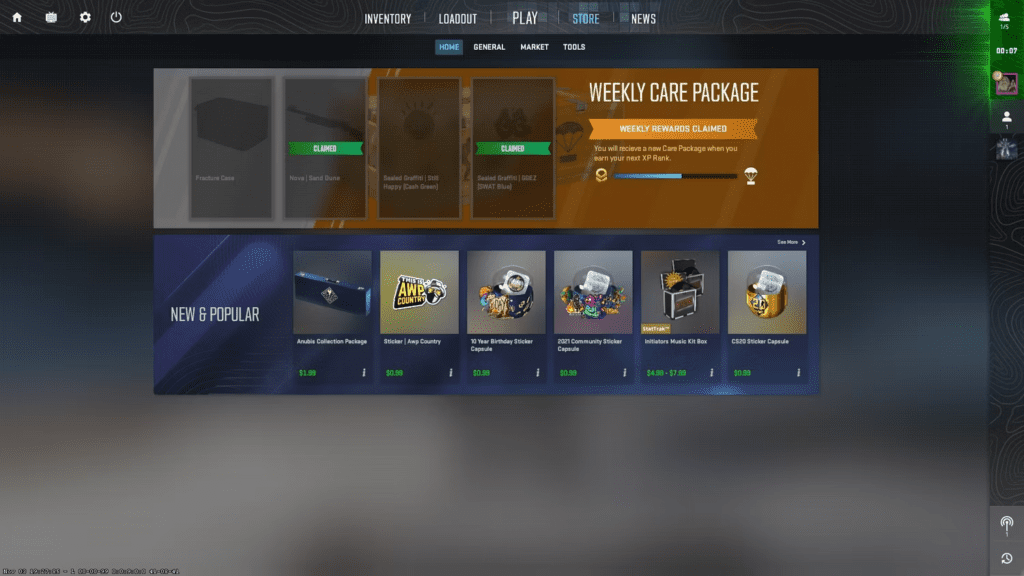
Every week, players are guaranteed at least one new skin if they play enough. Linked to players’ XP Ranks, the Weekly Care Package, which resets every Tuesday night in the U.S., offers four items, allowing players to choose two. While the items range from stickers to sprays and weapon skins, one item will always be a Case, necessitating a matching Key purchase from the Steam Marketplace to open it. Purchasing Keys involves real money, making it a crucial method for unlocking the best CS2 skins.
2. The Steam Marketplace:
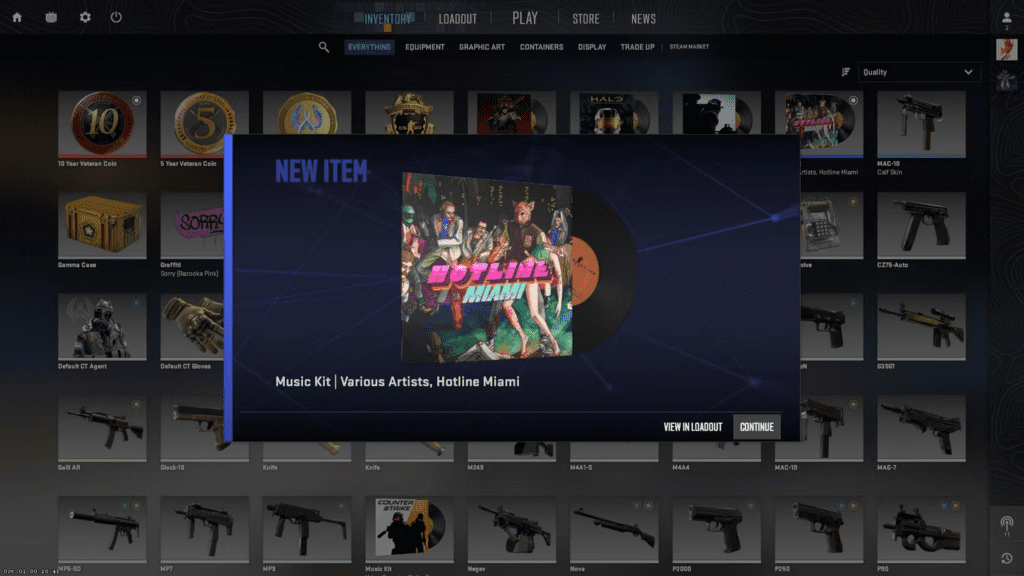
Apart from the Weekly Care Package, players can explore the Steam Community Market for a variety of cosmetics, albeit with the requirement of funds in the Steam Wallet. Selling Steam Trading Cards and unused CS2 skins can accumulate credits, enabling players to acquire community items. Trading and purchasing items from the Steam Marketplace provide additional avenues for obtaining coveted skins.
How to Equip Skins in CS2:
1. Accessing Inventory:
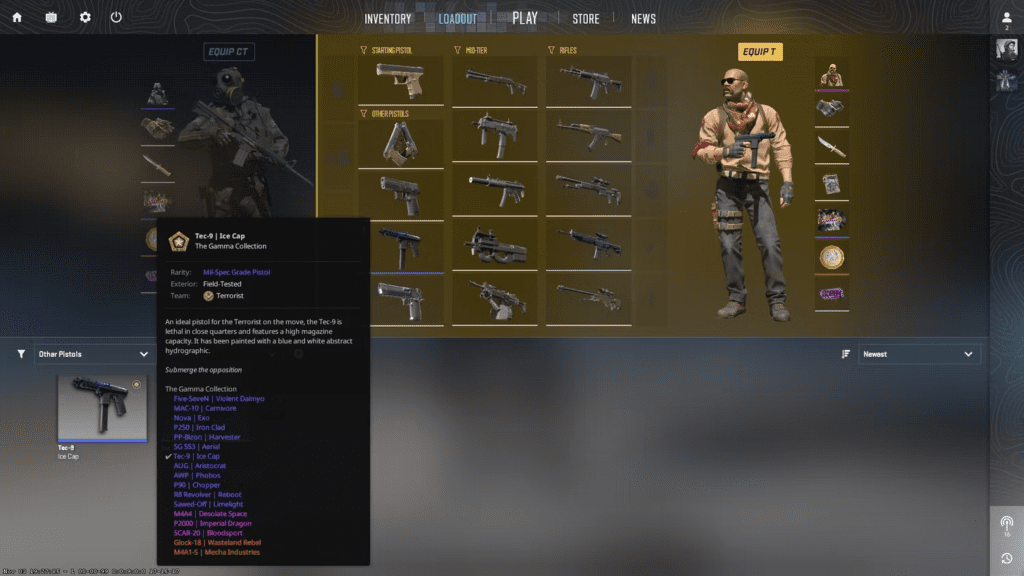
Navigate to the “INVENTORY” tab at the top of the screen, where players can customize either the Counter-Terrorist or Terrorist loadout. To switch between the two, click on the opposing team’s faded model.
2. Changing Weapon Skins:
Select a slot in the relevant column on the loadout menu. Scroll through the available skins and equip the desired one. For instance, to equip a new AWP skin, click on the appropriate cell in the “RIFLES” column and choose the preferred skin from the list.
3. Customizing Other CS2 Cosmetics:
Different categories such as Agents, grenade skins, knife skins, Soundtracks, Account Badges, and Sprays can be customized. Navigate to the column next to the CT or T model to find icons representing these items. Click on each icon to explore the inventory and freely equip various player cosmetics, except for Agents, which have specific restrictions.




