
 Home
Home PC
PC PlayStation
 Xbox
Xbox Nintendo Switch
 Mobile
 Esports
 Anime and Manga

Turn Your PC into a Monopoly Board – Here’s How
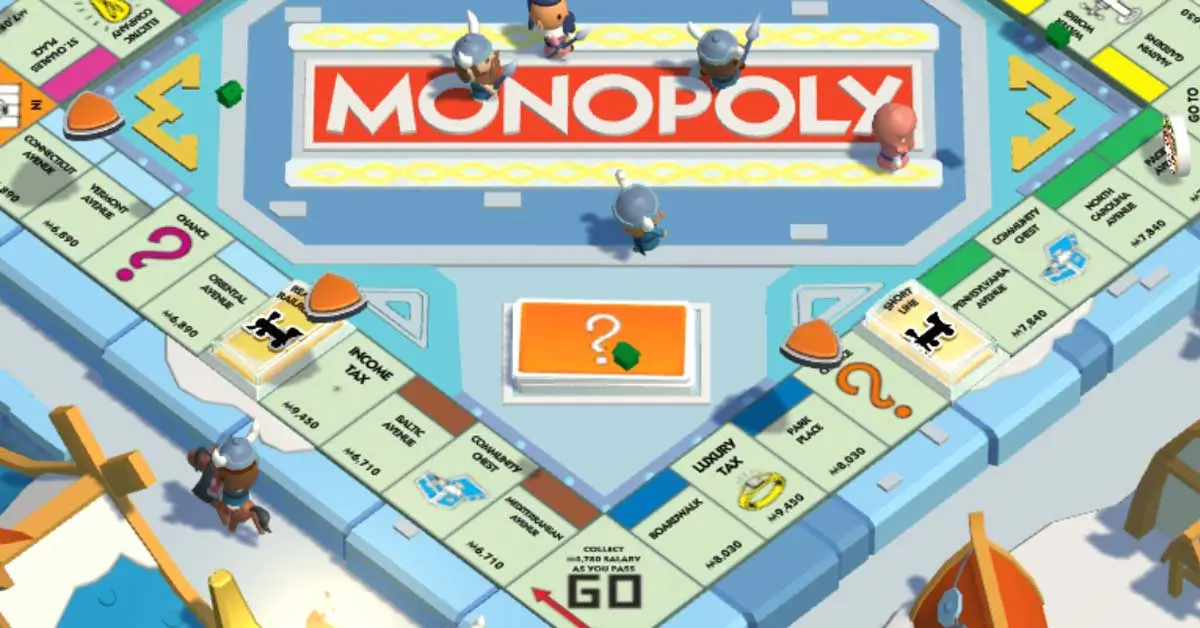
Monopoly GO, the modern twist to the classic board game, has taken the gaming world by storm since its launch in April 2023. While originally designed for smartphones, PC enthusiasts need not miss out on the digital Monopoly fun. Here’s a guide on how to play Mono-poly GO on your PC.
Playing Monopoly GO on PC: A Step-by-Step Guide
As of now, there is no official PC version of Mono-poly GO. However, the use of Android emulators, like Bluestacks, can bridge the gap and bring this mobile game to your PC. Follow these steps to get started:
- Download Bluestacks:
- Visit the Bluestacks website on your PC’s web browser.
- Look for the “Download Bluestacks” button and initiate the download.
- Save and run the downloaded file to install Bluestacks on your PC.
- Launch Bluestacks:
- Once the installation is complete, open Bluestacks.
- Navigate to the search box within Bluestacks.
- Search for Monopoly GO:
- Type “Monopoly GO” into the search box.
- Click on the store icon that appears, directing you to the Play Store.
- Install Monopoly GO:
- Log in to your Google account (create one if needed).
- Install the Monopoly GO app through the Play Store.
- Play on Your PC:
- After installation, the Monopoly GO icon will be visible on the Bluestacks desktop.
- Launch the game and start enjoying Monopoly on your PC.
Important Considerations:
- While using an emulator allows you to play Mono-poly GO on your PC, be aware that it might not be as stable as the smartphone version.
- Crashes may occur occasionally, and there might be limited support for technical issues.
- Ensure your PC has sufficient disk space (at least two GB) for the emulator to run smoothly. If issues persist, check and free up disk space.
By following this guide, you can seamlessly bring the Monopoly GO experience from your smartphone to your PC, creating a whole new way to enjoy this timeless classic.




